
Drawing
Exact to the millimetre, without a CAD course
Draw with the mouse, then type the size you need. Rectangles, circles, polygons and outlines of any shape, with corners you round and sides you bend.
Things line up by themselves
Points snap to corners and centres, guides show when edges line up, and labels give the gap to the next part as you drag.
Sizes that work themselves out
Type sums such as 100/3 or 85.6 + 6 in any size box, in millimetres, centimetres or inches. Name a size once, such as the card height, and use it everywhere.
Any outline
Bend a side into a curve, add a corner where you need one, or draw an outline point by point for a strap end or a tapered panel.
Drawing, step by stepShapes, lines, outlines, sizes and variables.
Rectangles, circles and polygons →More of EasyPatt
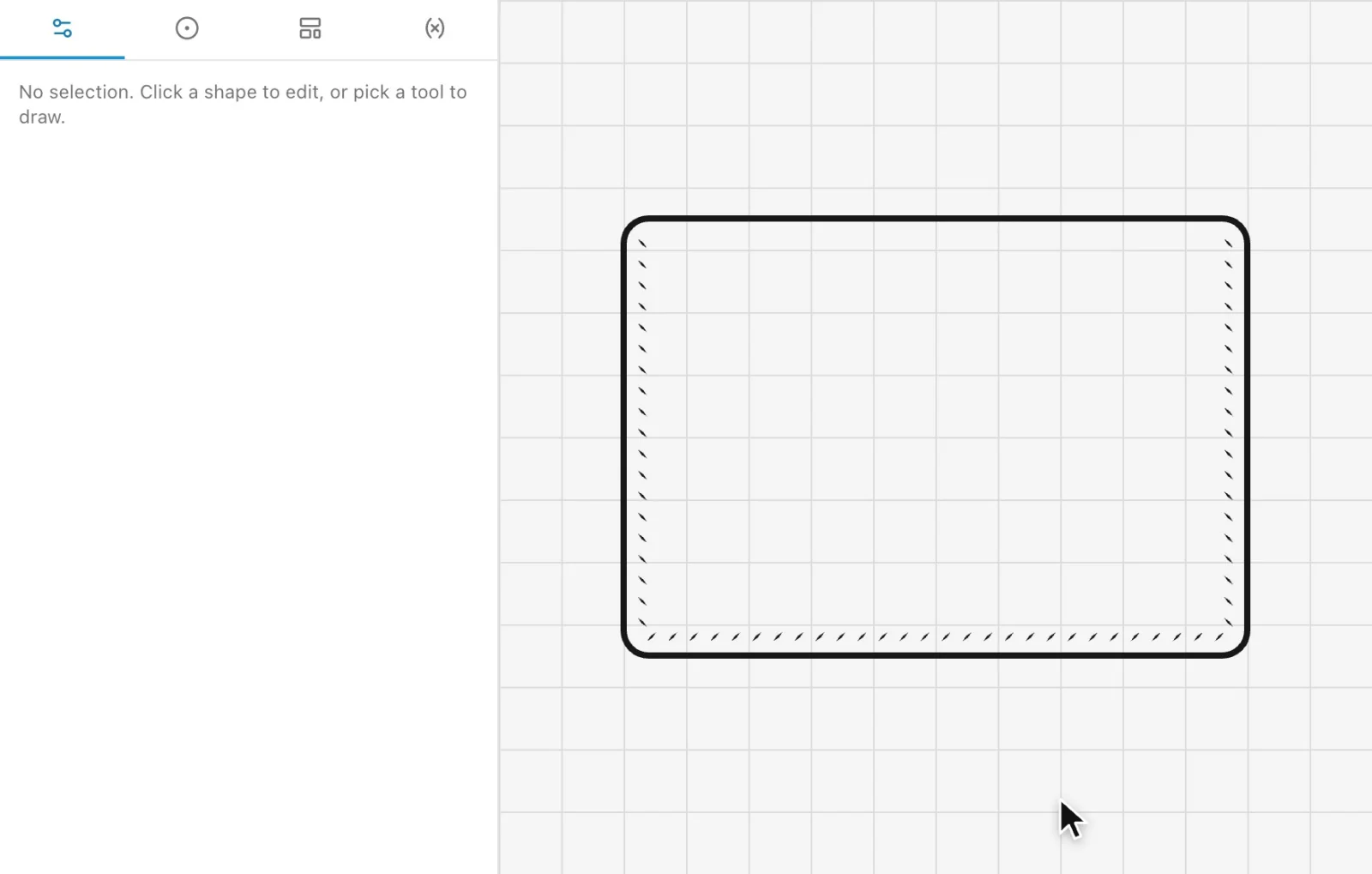 Automatic stitch holesClick the edges you sew and every hole is placed for your chisel, corner to corner, and follows when the part changes.
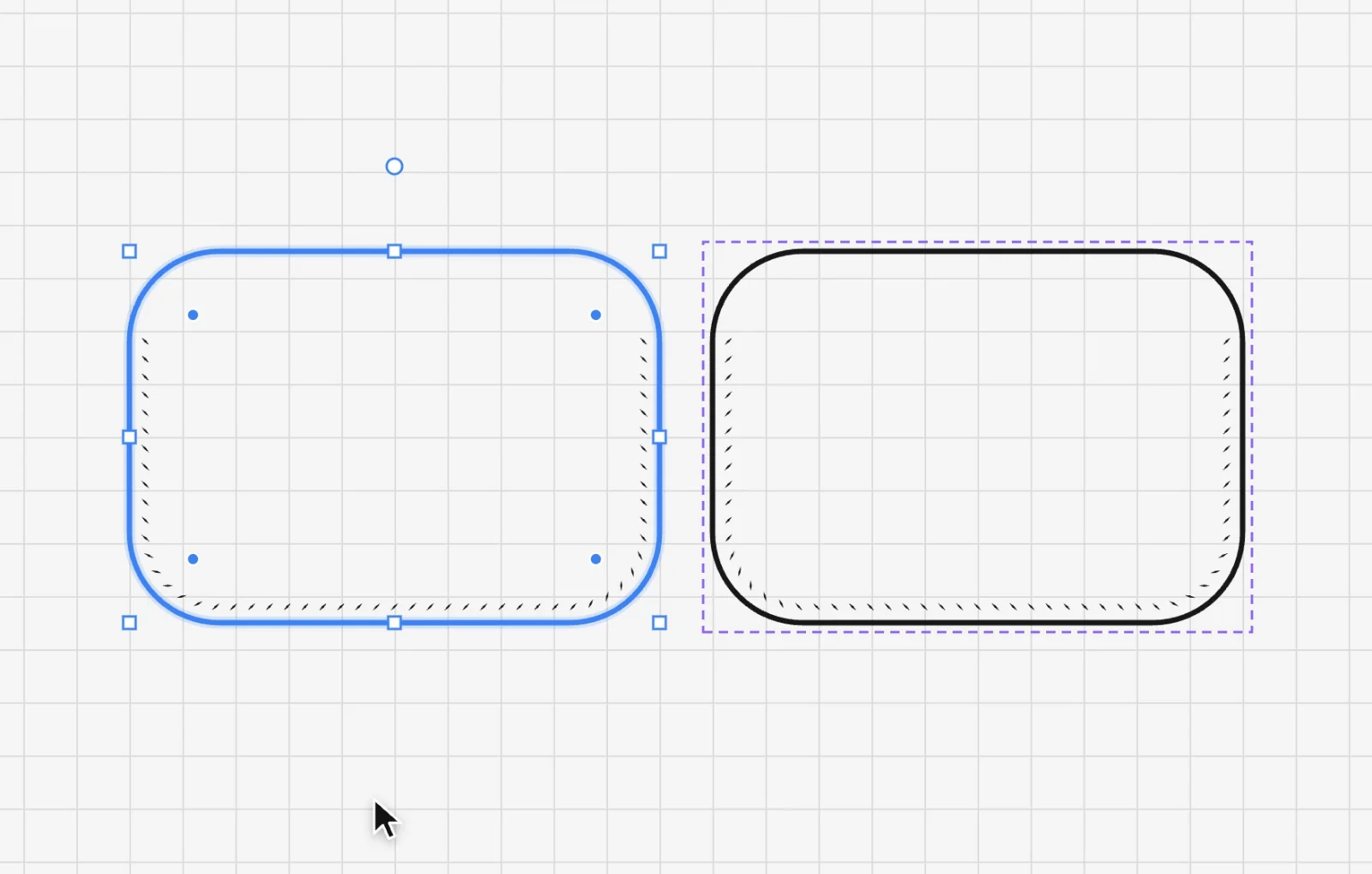 Linked mirrorDraw one side of a pair and get the other as a mirror image that follows every change, stitch holes included.
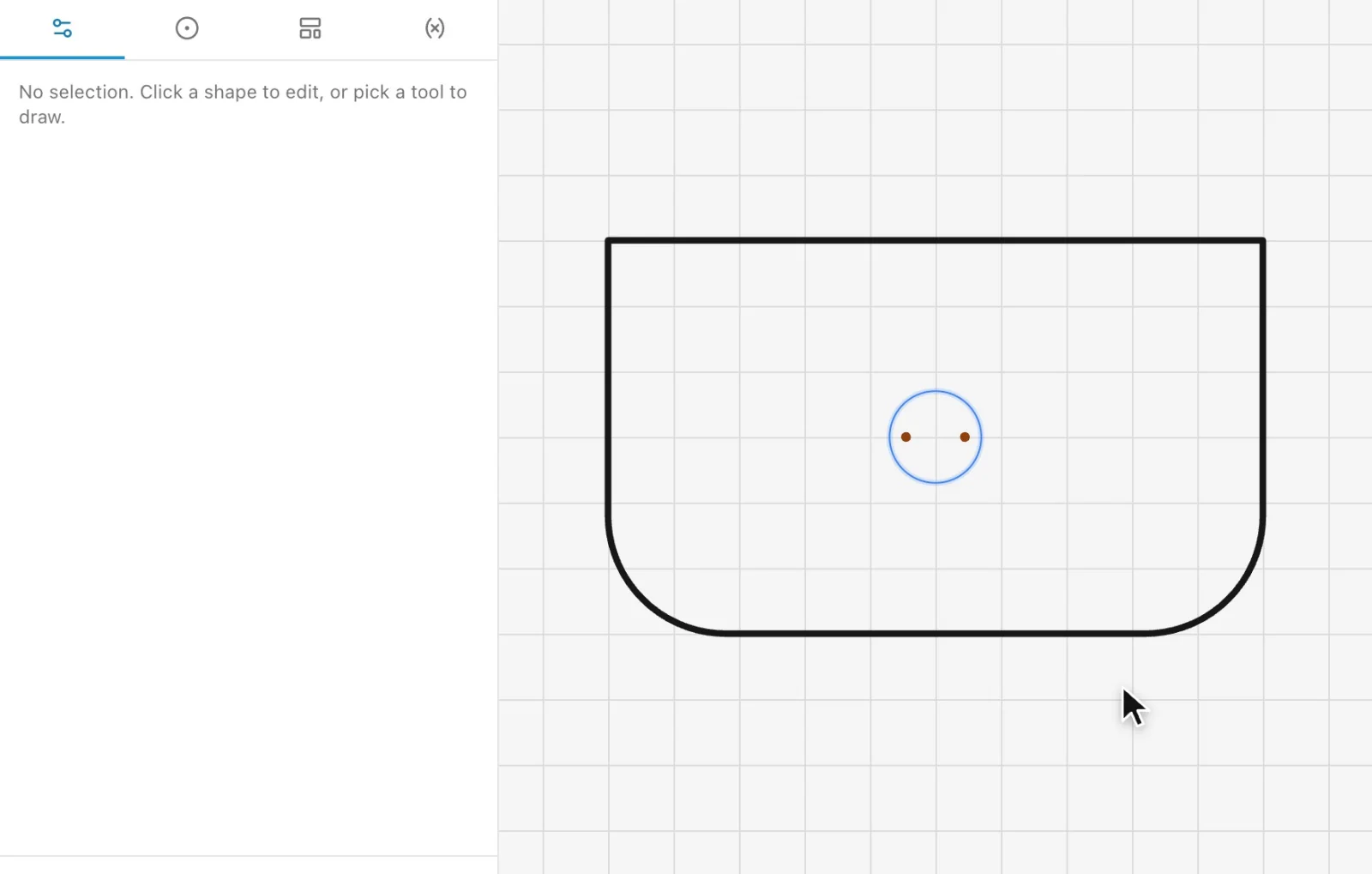 Hardware and markingsRivets, snaps, magnets and buckles at real size with their holes, dash-dot fold lines and hatched cutouts, all printed.
Draw your next pattern in EasyPatt
Free, in your browser, nothing to install. Start drawing straight away; sign in only if you want your projects in the cloud.