
Stitch holes laid out for you, corner to corner
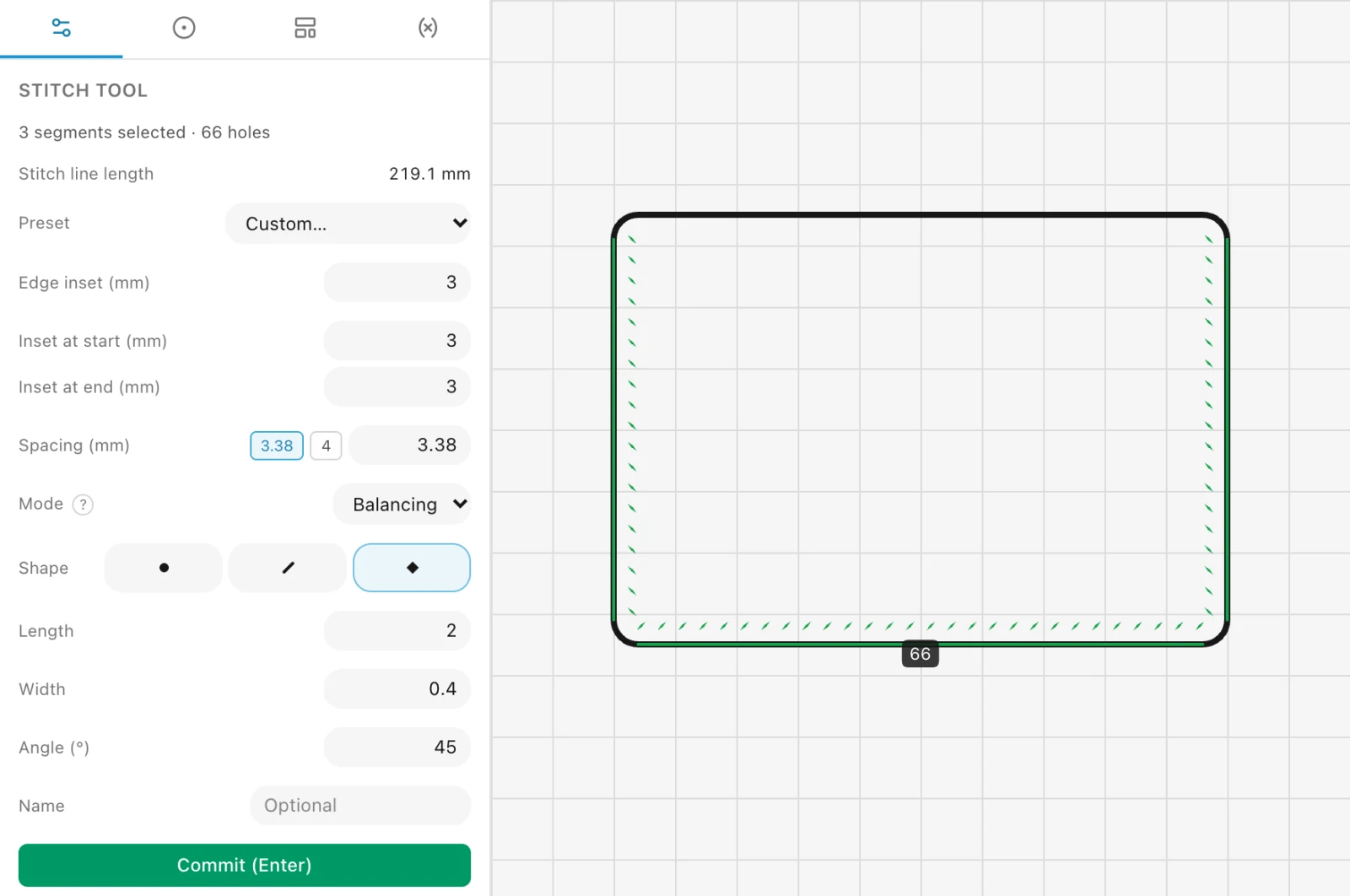
Click the edges you sew and EasyPatt places every hole, spaced for your chisel and set in from the edge. Change the part and the holes follow.
A hole on every corner, or exact spacing
Balancing puts a hole on each corner and evens out the spacing on every side, so the thread turns cleanly. Walking keeps your spacing exactly. Fitting keeps both by sizing the part to a whole number of stitches.
Each side shows its stitch count as you go, so you know the seam before you pick up a chisel.
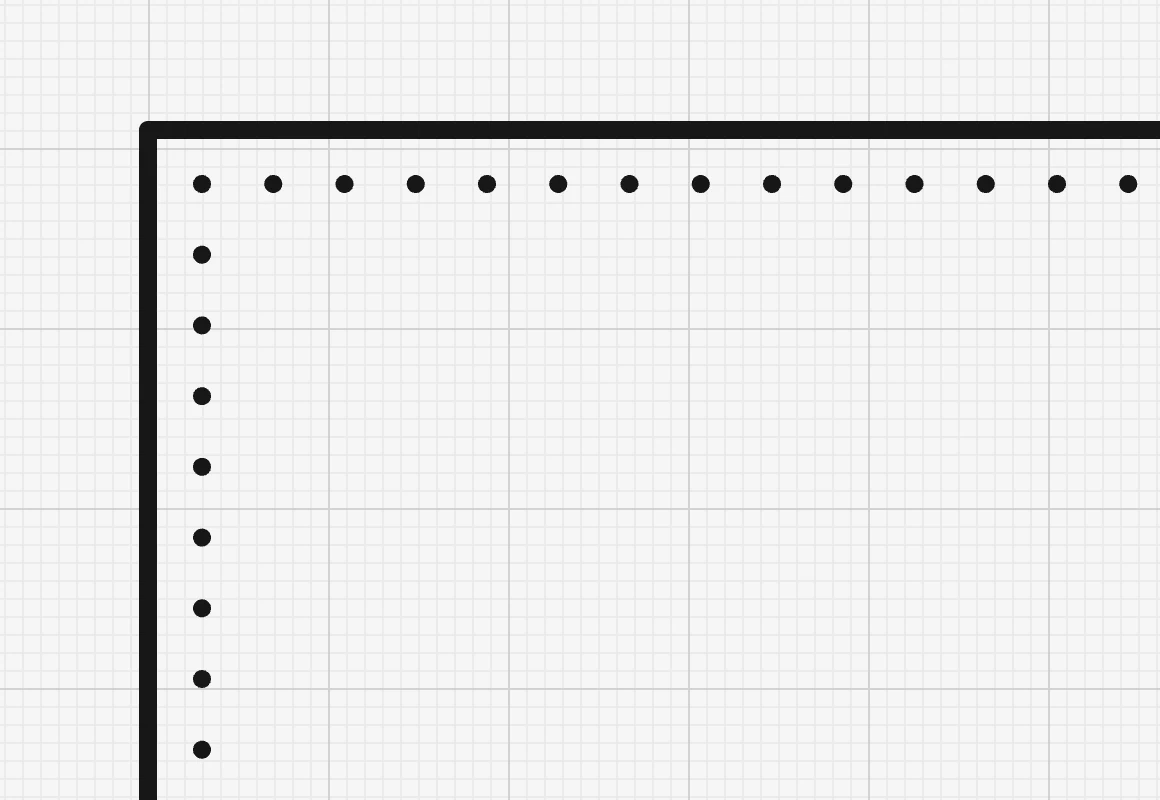
Your chisels, ready to use
Diamond and French chisels from 2.7 to 3.85 mm, 7 SPI and round punches are built in. Add your own with its exact spacing and prong size, and every new seam starts with it.
Holes are drawn as your chisel cuts them, slanted at its angle, and print at true size.
Holes that meet when you sew
Lay a pocket on its panel and slide its row of holes along the edge: it snaps onto the holes below, so both pieces are pricked to match.
Rows can run across two parts, such as a gusset and its panel, and stop exactly where a pocket opens.
How it works
- Pick the sidesClick each edge you sew, from the side the holes go on.
- Set your chiselPick a preset or type the spacing, the distance from the edge and the hole.
- CommitThe holes are placed, and laid out again whenever the part changes.
More of EasyPatt
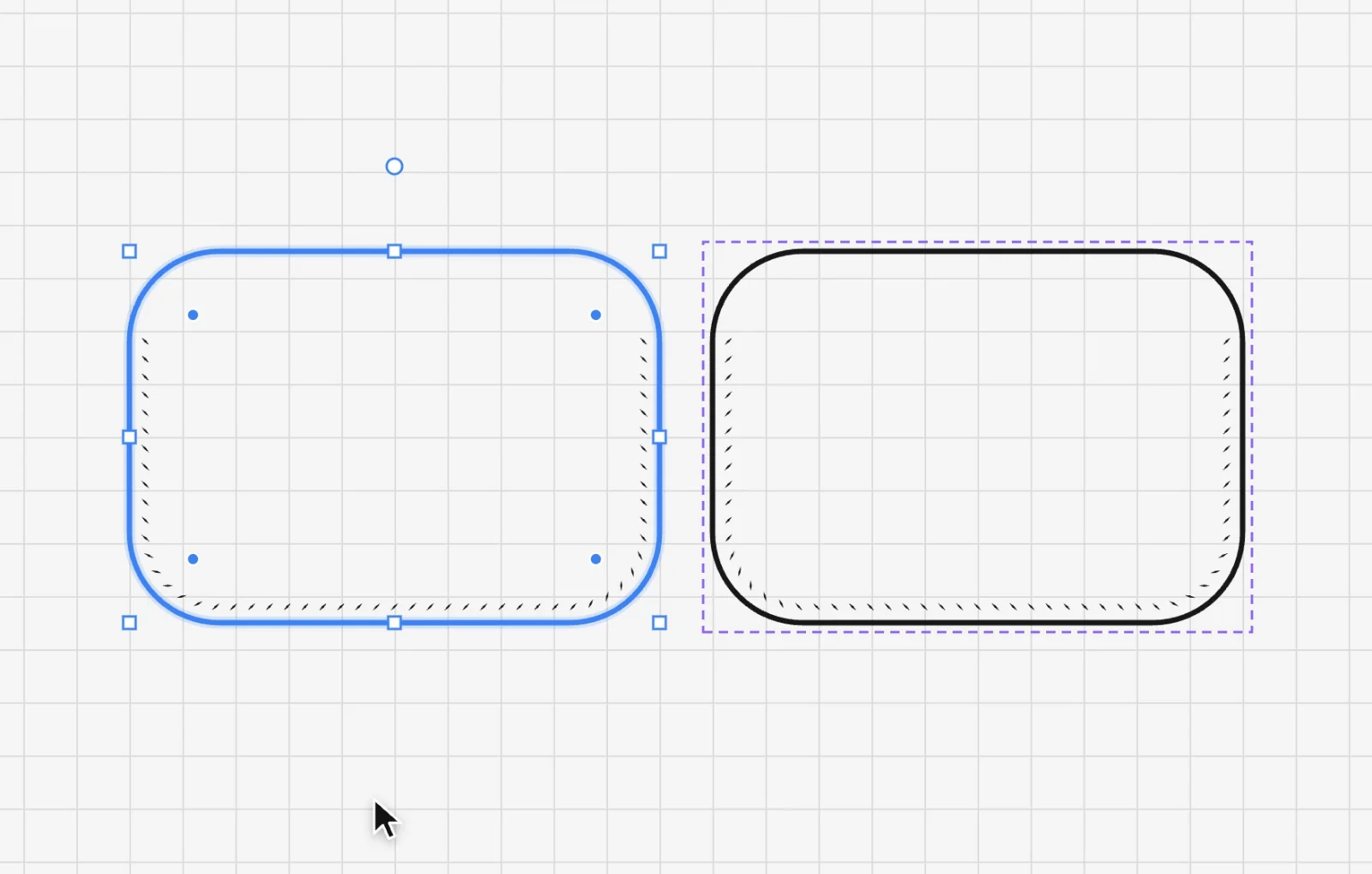 Linked mirrorDraw one side of a pair and get the other as a mirror image that follows every change, stitch holes included.
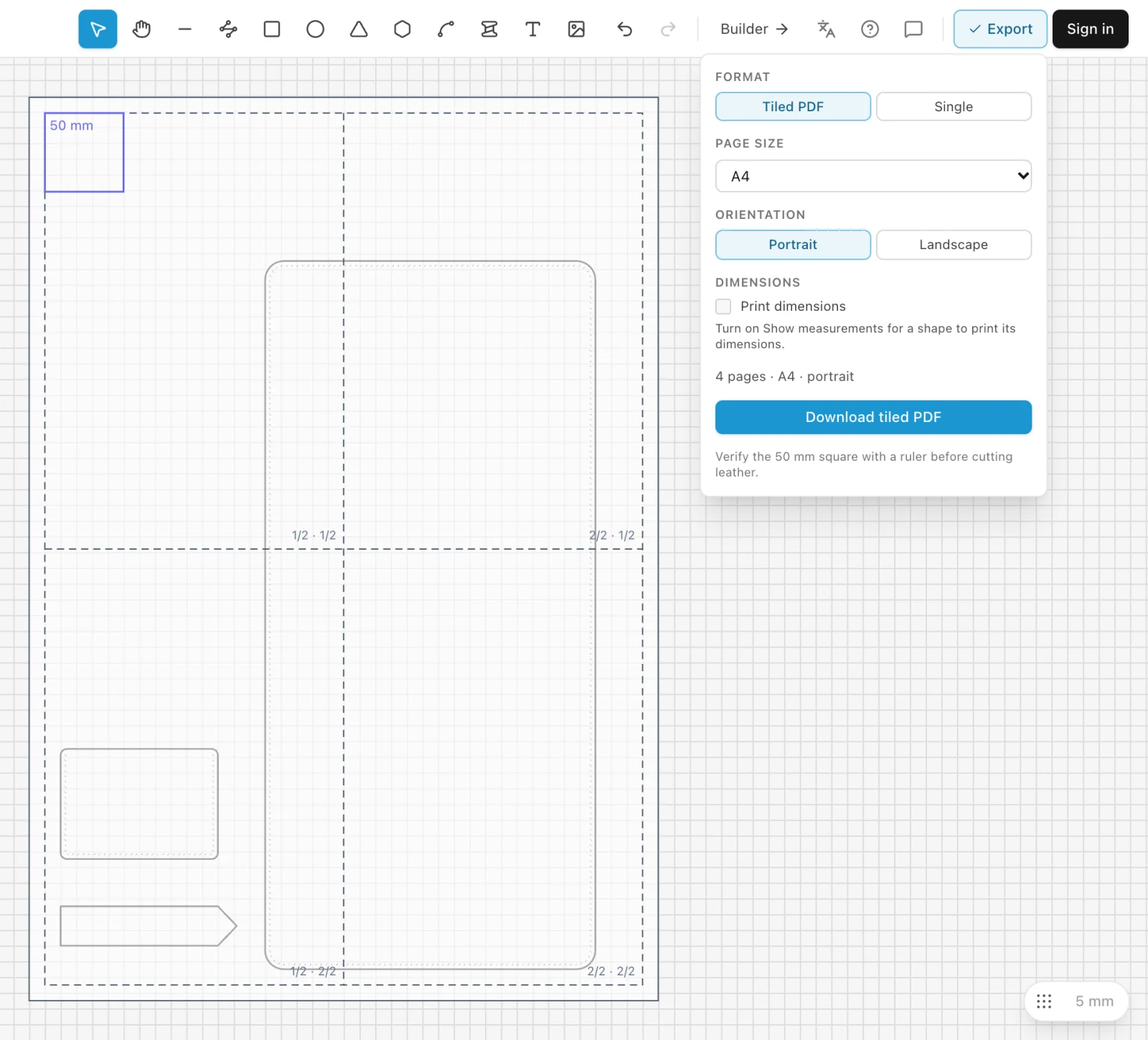 Print to scalePrint any pattern at true size on a home printer, tiled across A4 or Letter sheets, with a 50 mm square to check it.
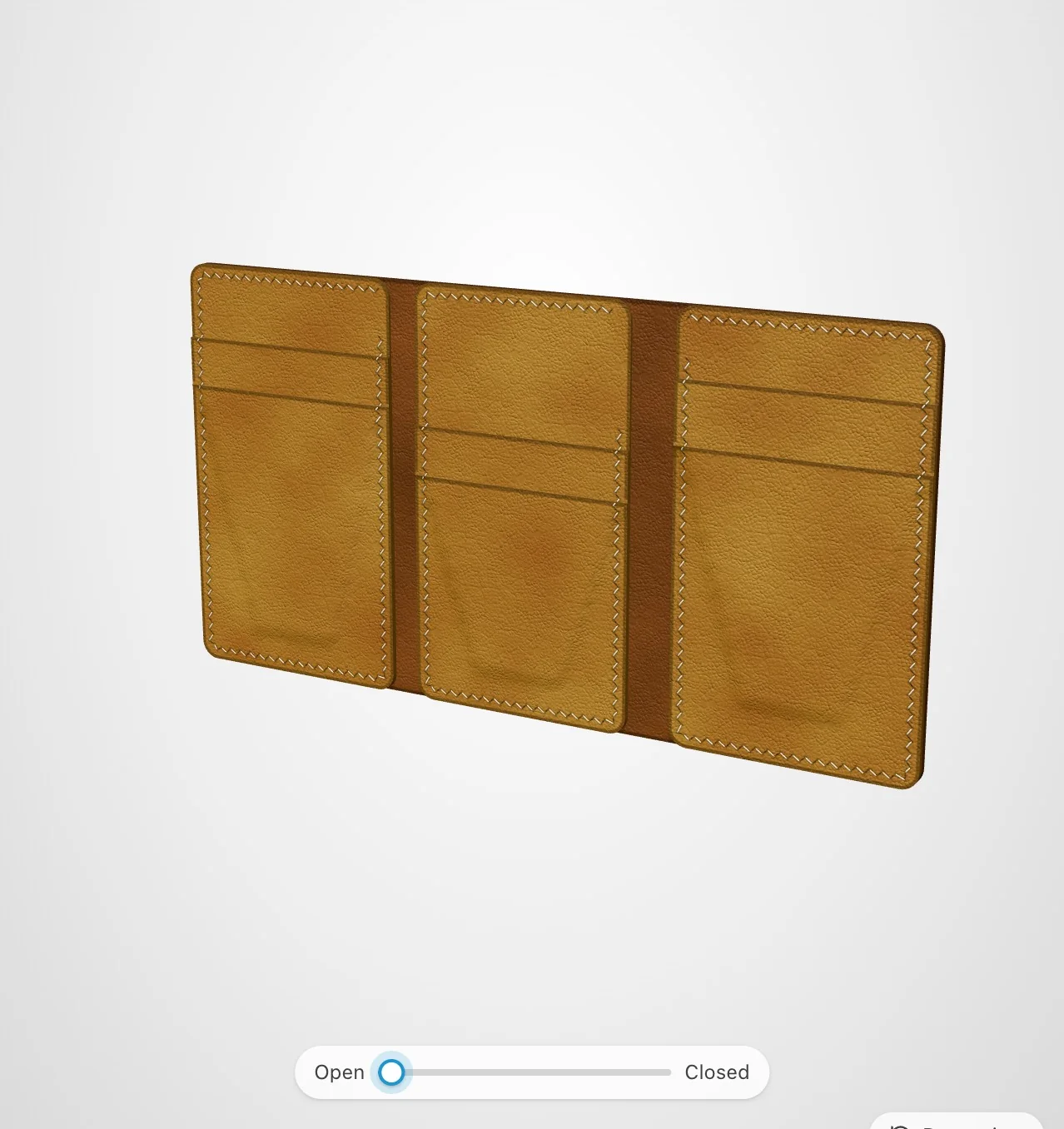 Wallet BuilderMake a card holder, bifold, long wallet or trifold pattern from a few numbers, see it in 3D and print it at full size.
Draw your next pattern in EasyPatt
Free, in your browser, nothing to install. Start drawing straight away; sign in only if you want your projects in the cloud.