
Pattern markings
A pattern that tells you what to do
Place hardware at its real size with its punch holes, mark folds and cutouts the way technical drawings do, and print it all with the pattern.
Hardware at real size
Snaps, rivets, magnetic clasps, Chicago screws, eyelets, D-rings and buckles, each drawn with its punch holes and snapped to the centre of a part in one click.
Folds and cutouts nobody misreads
A fold is a dash-dot line, a window to cut out is hatched, as in a technical drawing, so a cutout is never taken for a placement mark.
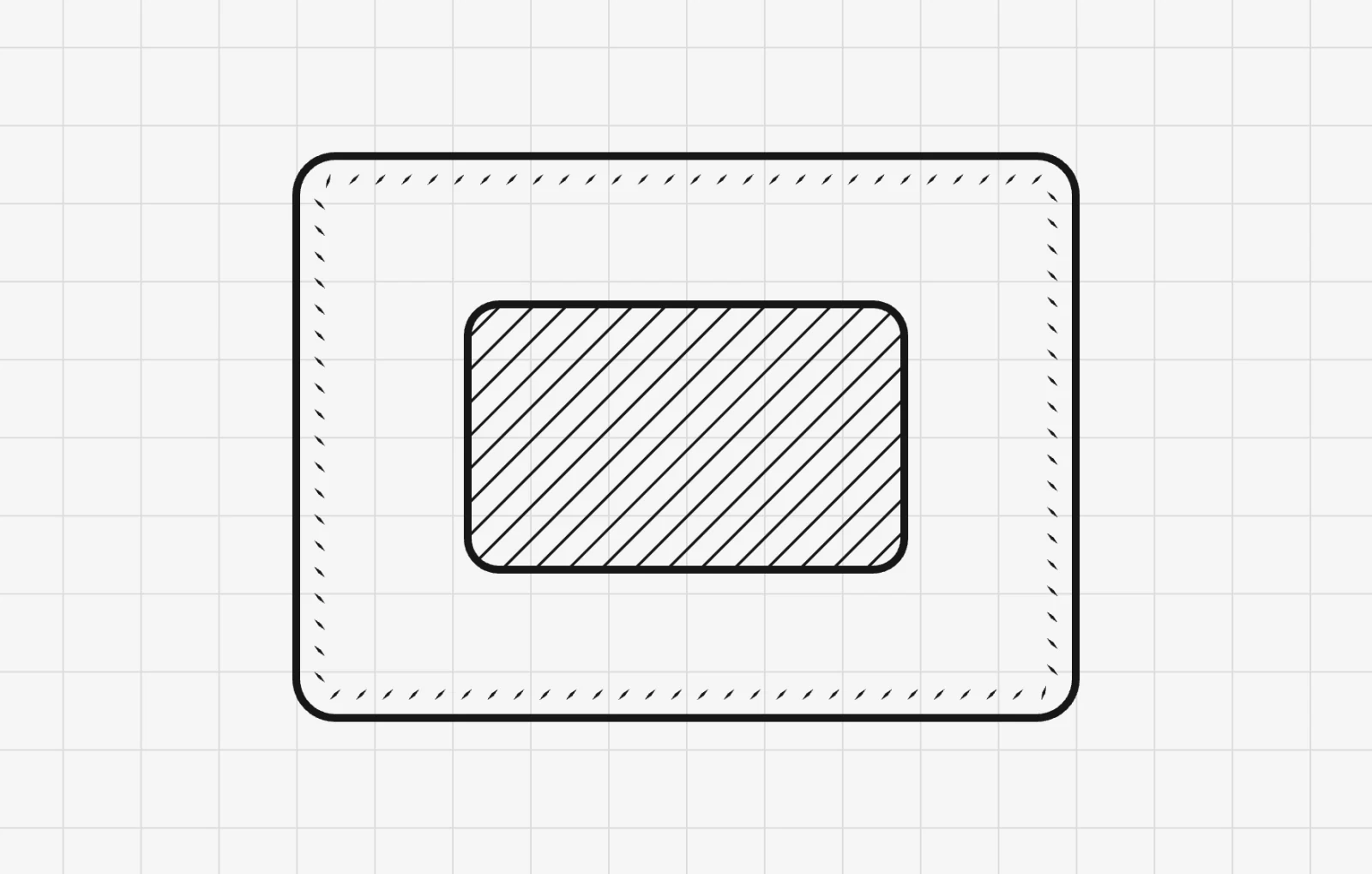
Markings, step by stepLabels, fold lines, cutouts, printed sizes and hardware.
Labels, fold lines and cutouts →More of EasyPatt
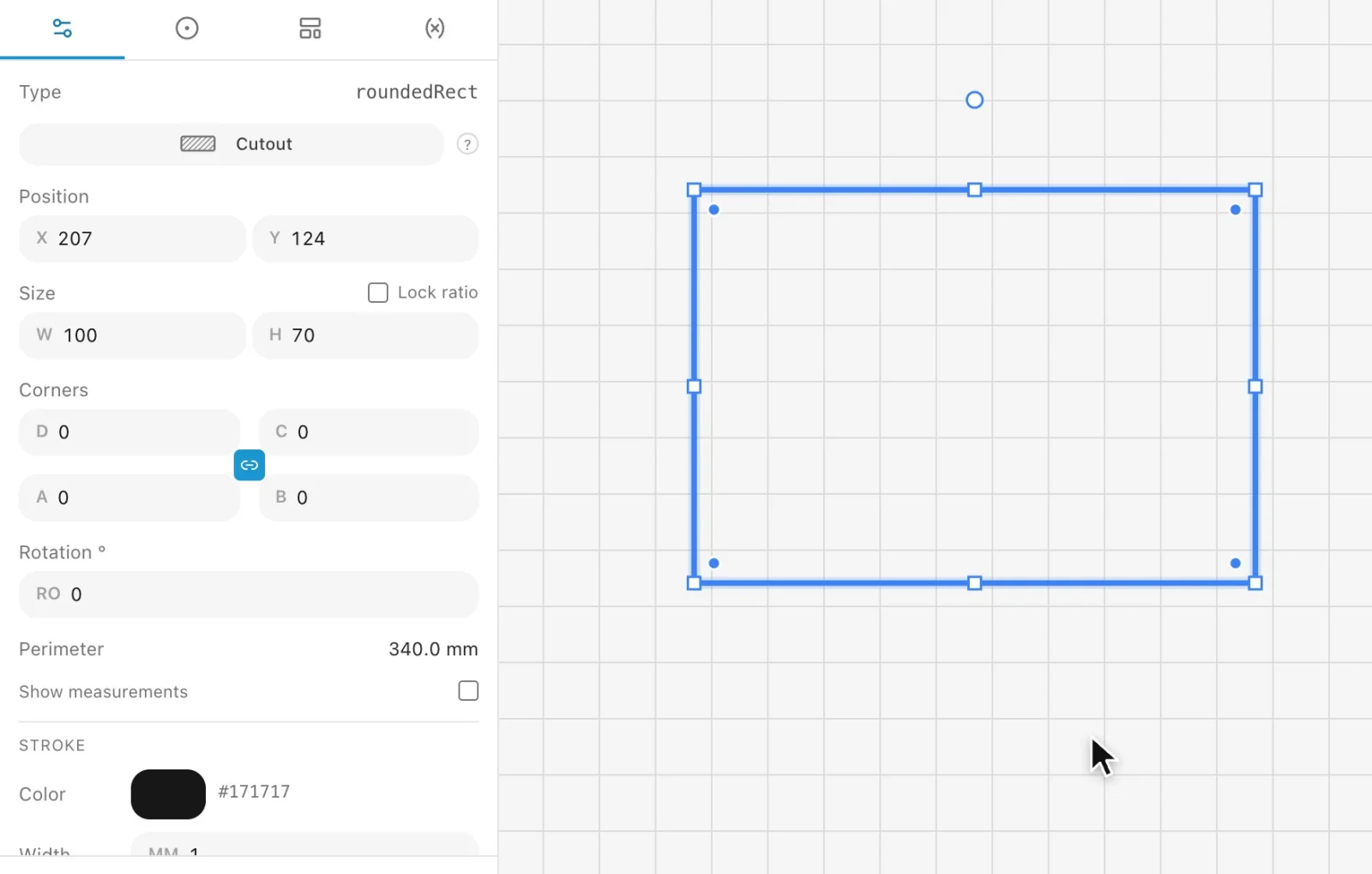 Precise drawingDraw parts roughly, then type exact sizes, sums and variables. Snapping, guides and live measurements do the rest.
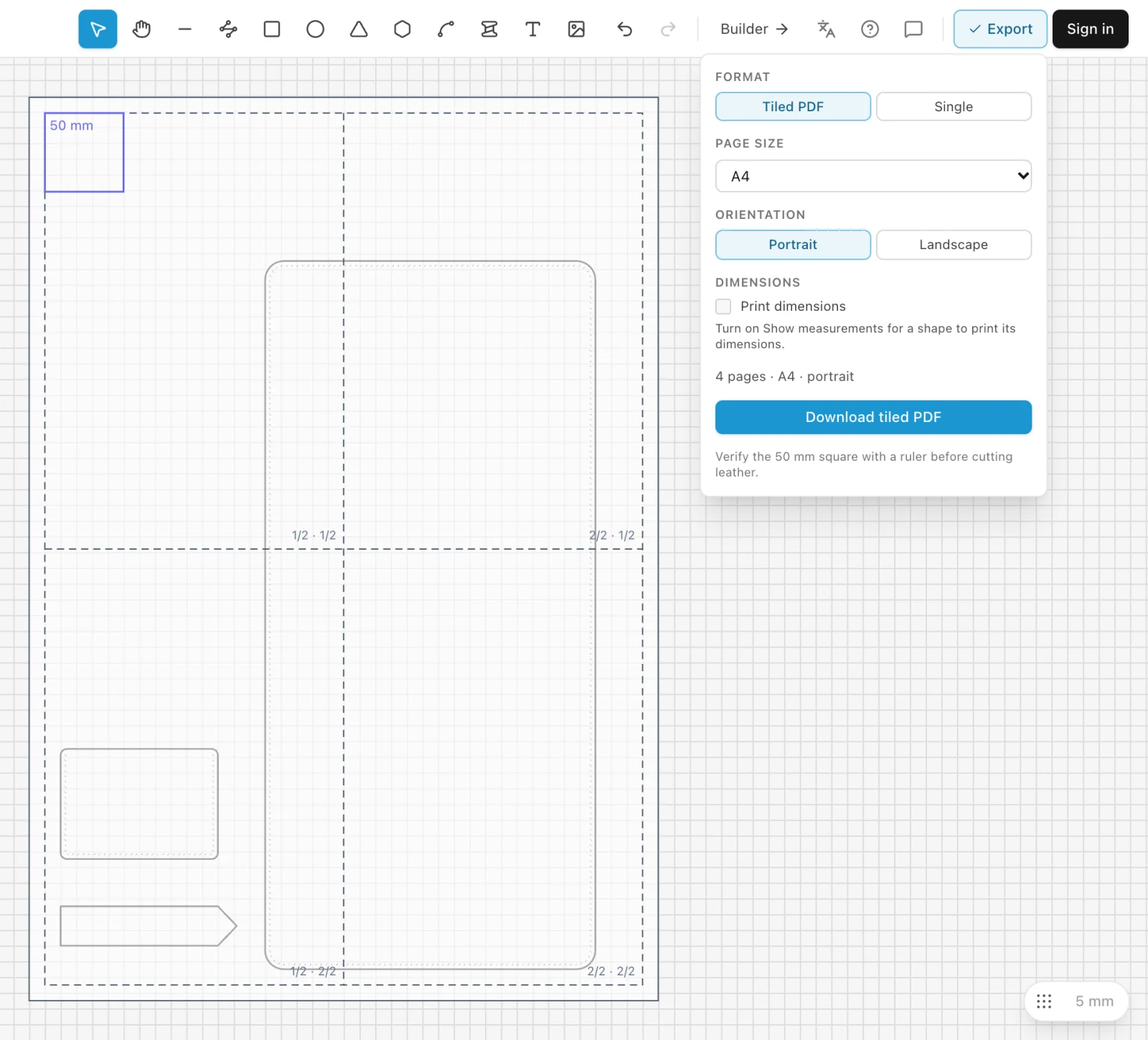 Print to scalePrint any pattern at true size on a home printer, tiled across A4 or Letter sheets, with a 50 mm square to check it.
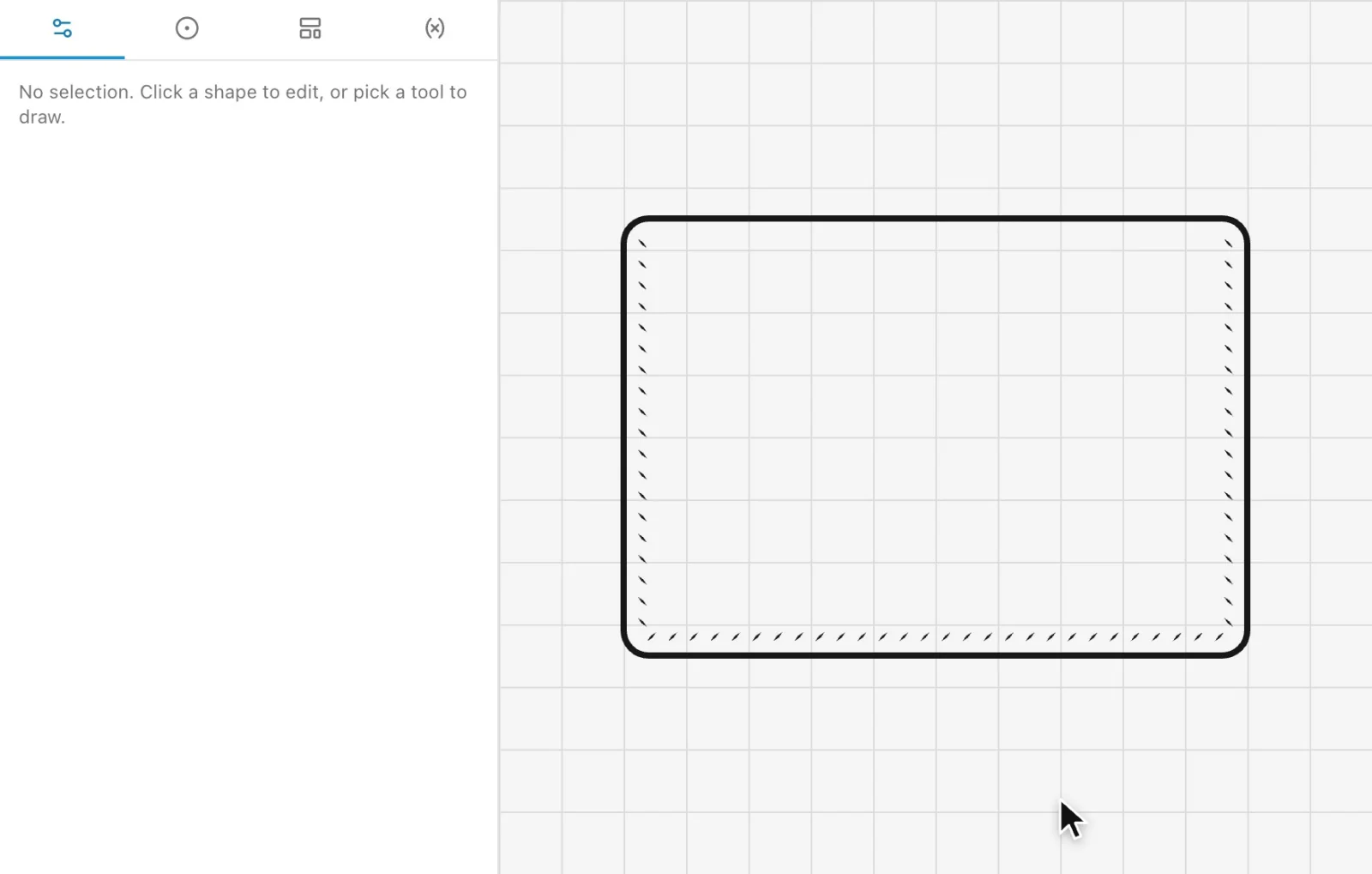 Automatic stitch holesClick the edges you sew and every hole is placed for your chisel, corner to corner, and follows when the part changes.
Draw your next pattern in EasyPatt
Free, in your browser, nothing to install. Start drawing straight away; sign in only if you want your projects in the cloud.