
Free leather wallet patterns
Four wallet patterns to print at full size, each with every stitch hole marked and lined up through all its layers. Download the PDF as it is, or open the pattern in the Builder and change the size, the pockets or the stitching first.
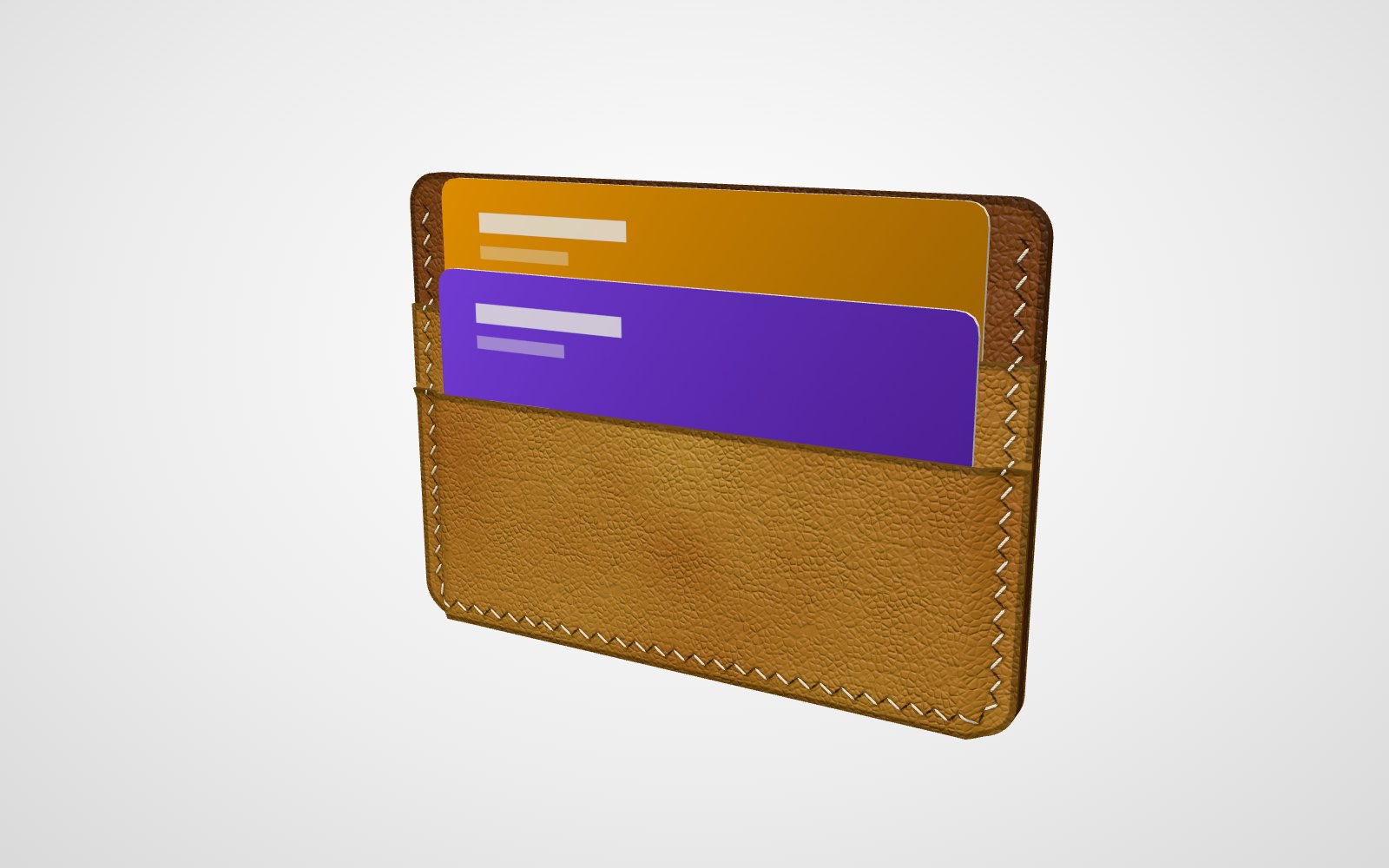
Card holder pattern
A slim card holder with four card slots, two on each side, and a centre pocket between its two panels. 100 × 72 mm, six pieces to cut.
See the pattern →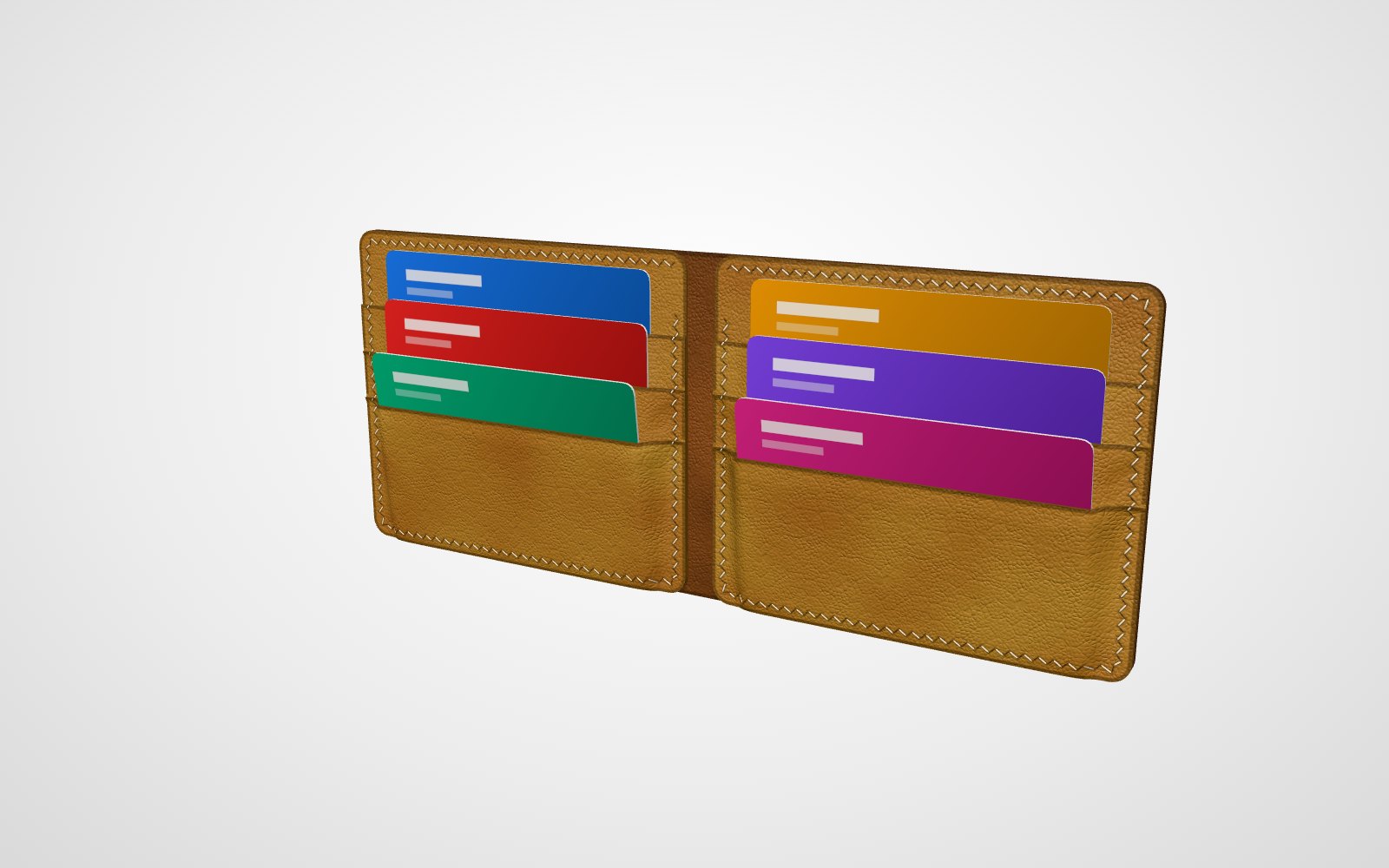
Bifold wallet pattern
A classic bifold with six card slots, a bill compartment the whole length of the wallet and a hidden pocket behind the cards on each half. 110 × 90 mm closed, ten pieces to cut.
See the pattern →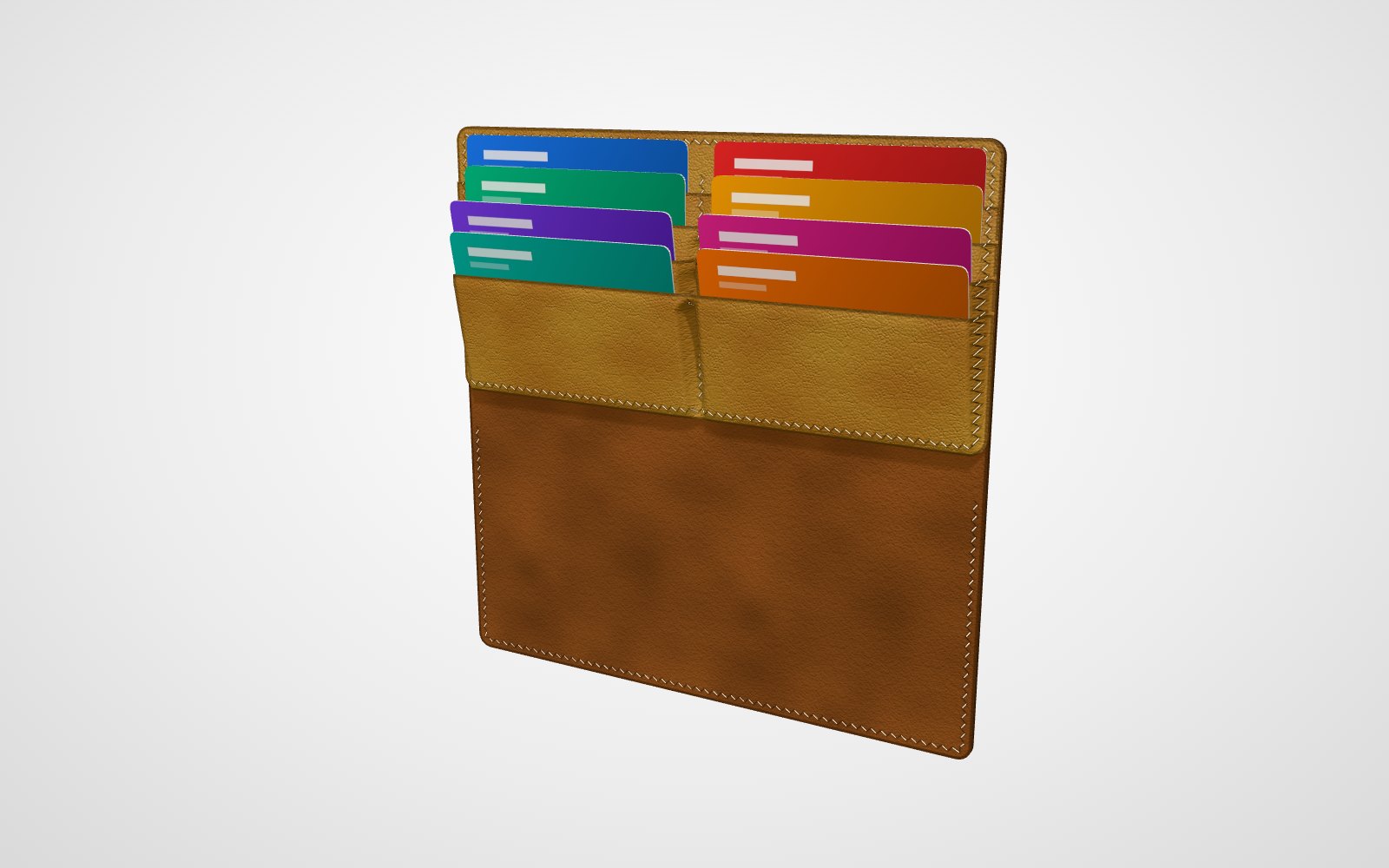
Long wallet pattern
A long wallet that folds along its long side, with eight card slots side by side in pairs and full-length bills lying flat behind them. 190 × 95 mm closed, seven pieces to cut.
See the pattern →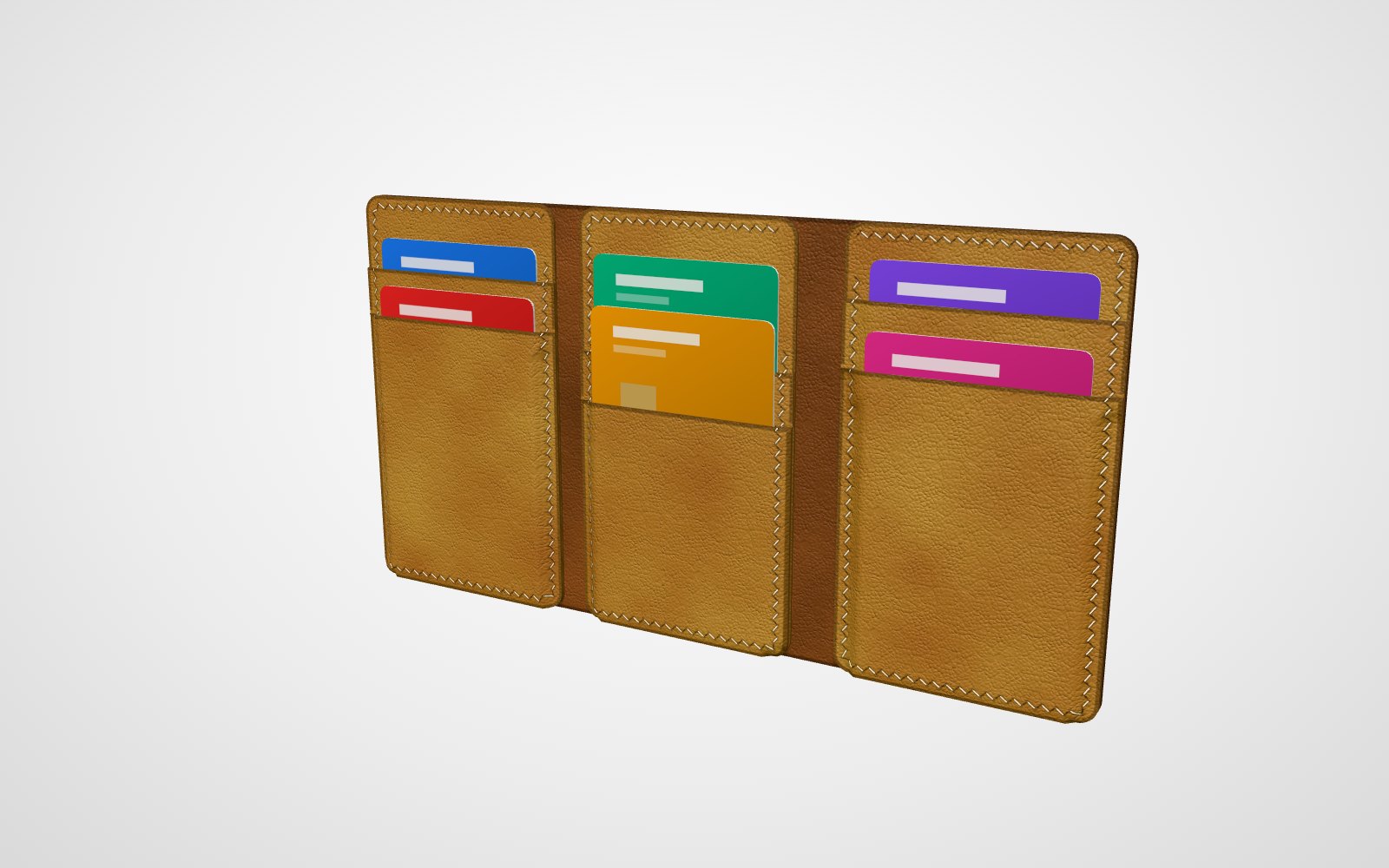
Trifold wallet pattern
A narrow, tall trifold with six card slots, the cards standing on their short side, and a bill compartment across all three panels. 71.5 × 115 mm closed, eleven pieces to cut.
See the pattern →Every pattern is a starting point
These are the wallets the EasyPatt Builder starts from. In the Builder a wallet is a few numbers, not a drawing: the closed size, the pockets on each side, how far they step, the stitching, the leather. Change one, and the pattern pieces, the 3D view and the parts list are worked out again.
- Drag an edge to resize the wallet, or type its width and height.
- Add or remove card pockets, and give a pocket a thumb cut-out.
- Pick a diamond, French slit or round chisel and its spacing.
- See the wallet in 3D with a card in every slot, and a folding wallet open and closed.
- Download the pattern as a PDF, or open it in the EasyPatt editor to add your own details.
The Builder is free and runs in your browser, with no account.
Printing a pattern at full size
Print at 100 % (“actual size”), not “fit to page”, and measure the 50 mm square on the first page before you cut. More on printer settings in how to print leather patterns to scale at home. For how many holes fit on a seam at your chisel's spacing, there is the stitch spacing calculator.
Common questions
Are the patterns free?
Yes. Each one downloads as a PDF from its page, with no account and no sign-up. Changing a pattern in the Builder is free too.
What paper do they print on?
A4 or US Letter, on a home printer, at 100 %. A part that fits on a page is printed whole; the first page has a 50 mm square to check the scale before you cut.
Can I change the size or the number of pockets?
Yes. Every pattern opens in the Builder, where you set the size, the pockets on each side, the stitching and the leather thickness, and see the wallet in 3D as you go. The pattern follows every change.
Do the stitch holes line up?
Yes. The holes of every pocket land on the holes of the piece under it, through all the layers, because the pattern is worked out from the finished wallet and not drawn piece by piece.