
Printing
Patterns that print at their true size
Export a PDF at 1:1, tiled across A4, Letter or A3 sheets for a home printer, or on one large sheet up to A0. Every PDF has a 50 mm square to check before you cut.
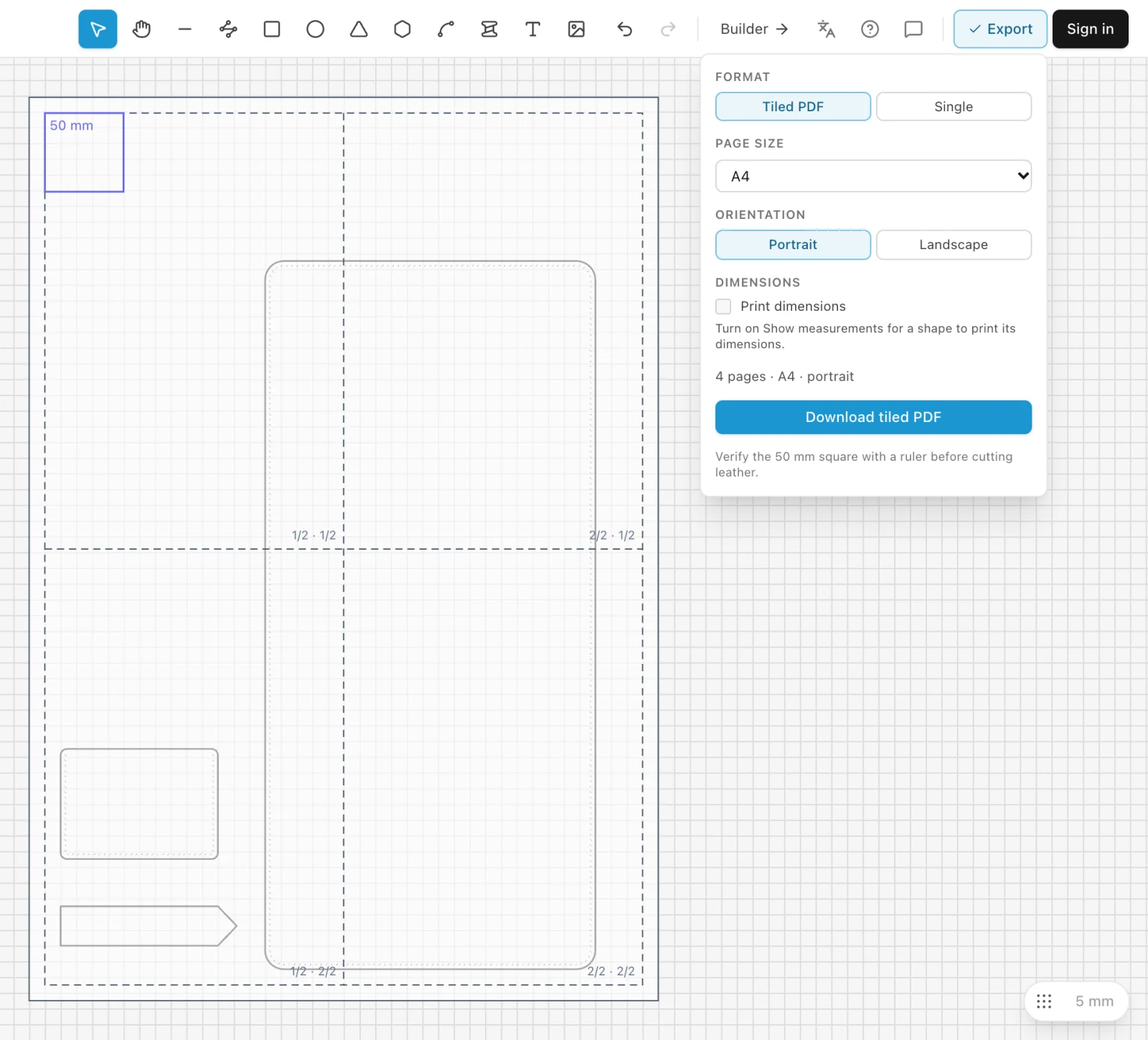
See the pages before you print
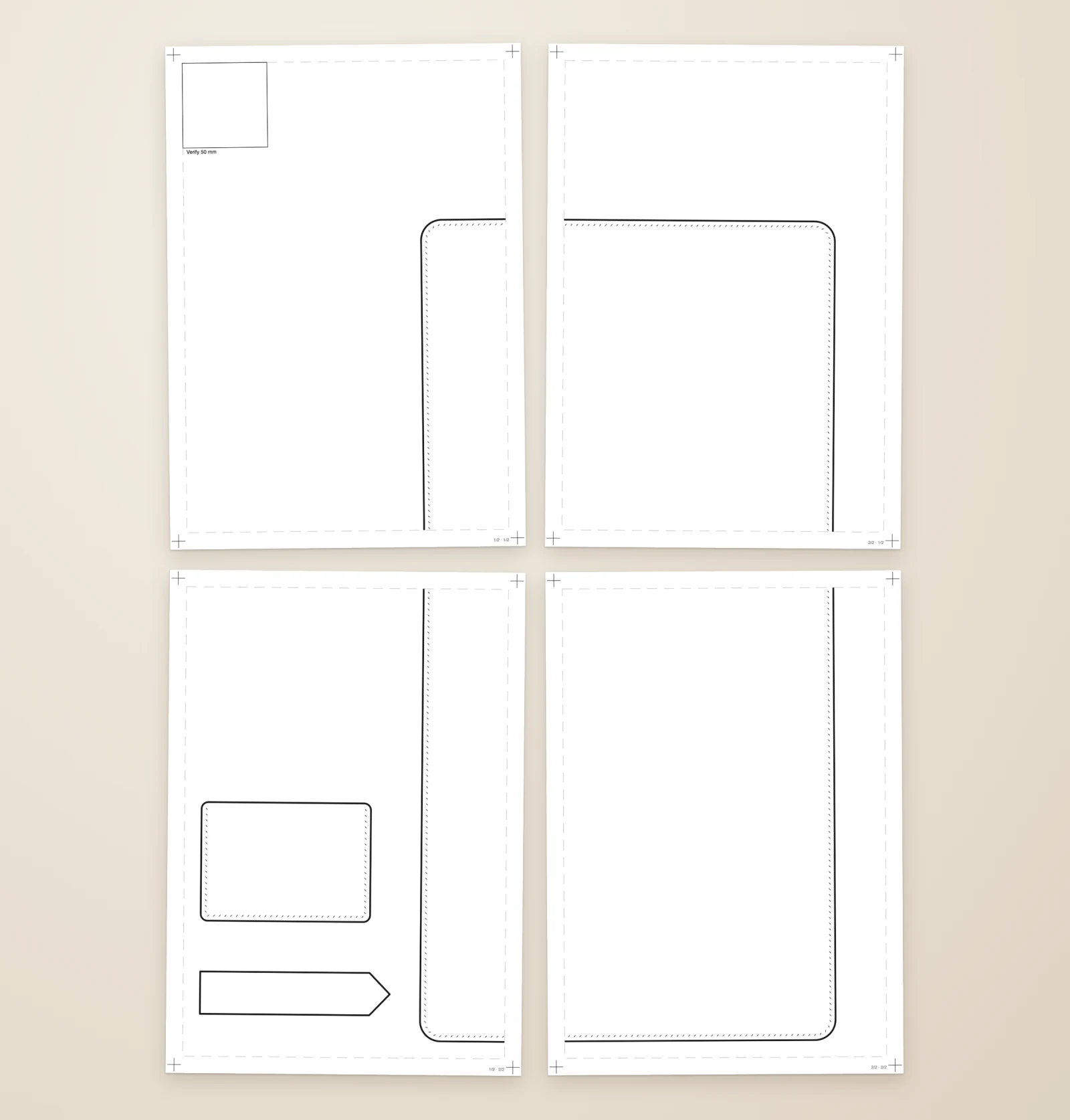
Export shows the printed sheets on the canvas. Move parts while you look, to fit the pattern on fewer sheets.
Each sheet is labelled with its place and has a border to join it to the next.
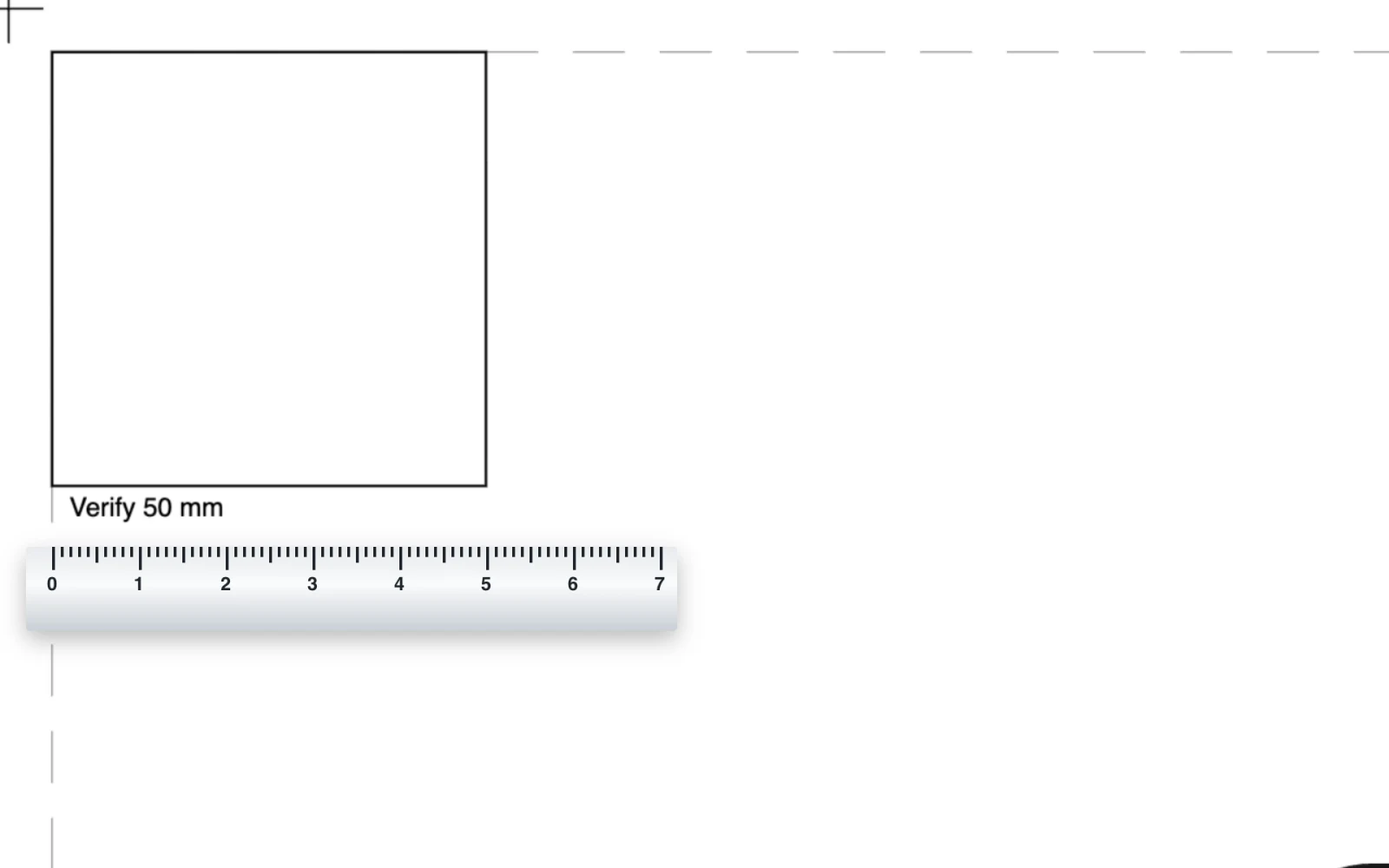
Check it with a ruler
The first page carries a 50 mm square. Measure it before you cut leather: if it is 50 mm, the whole pattern is right.
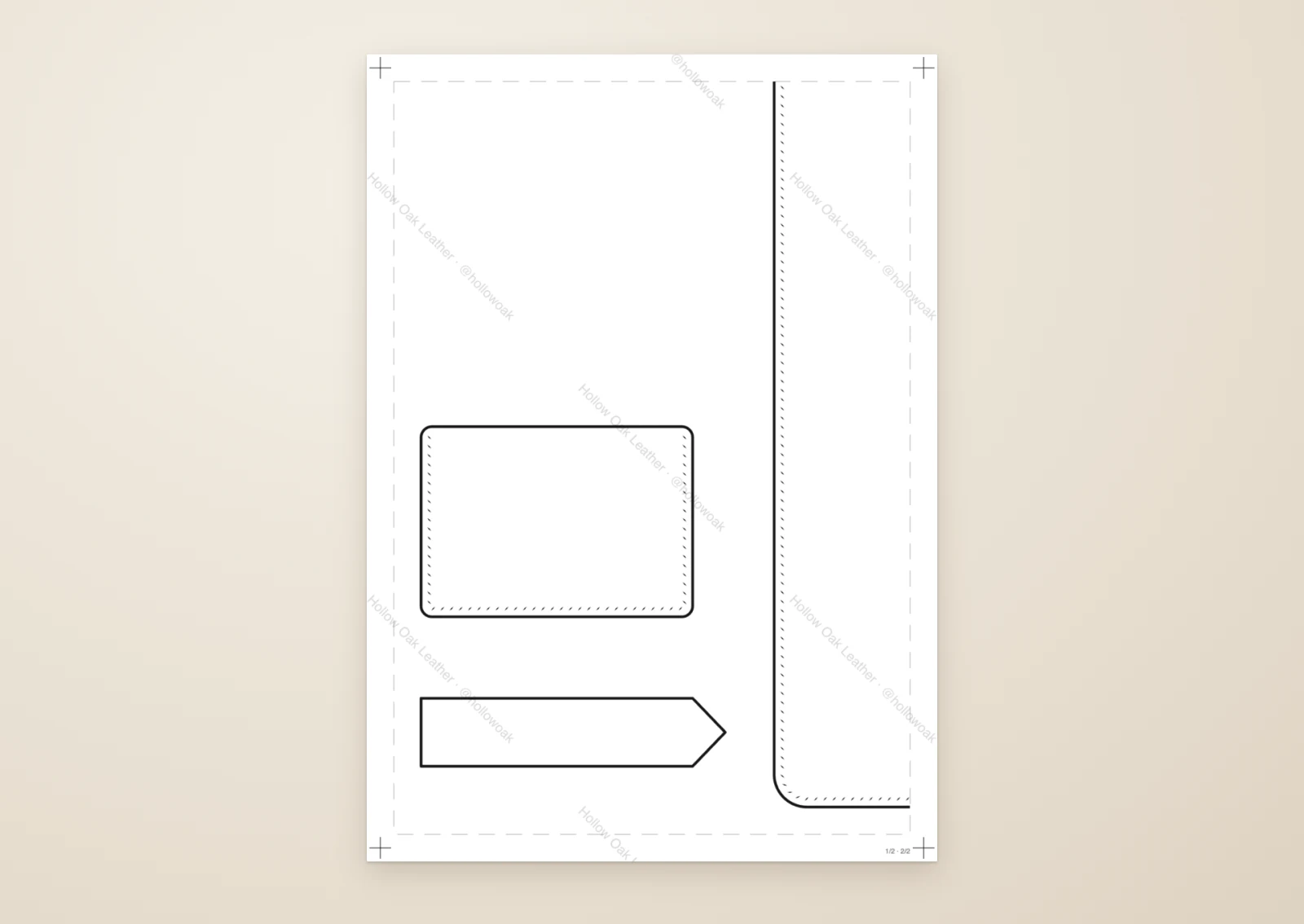
Your name on every page
Selling patterns or sharing them? Stamp your shop name or logo faintly across every page, light enough to cut from.
Printing to scale, step by stepTiled and single sheets, printing at 100 %, joining the sheets and what is printed.
Printing to scale →More of EasyPatt
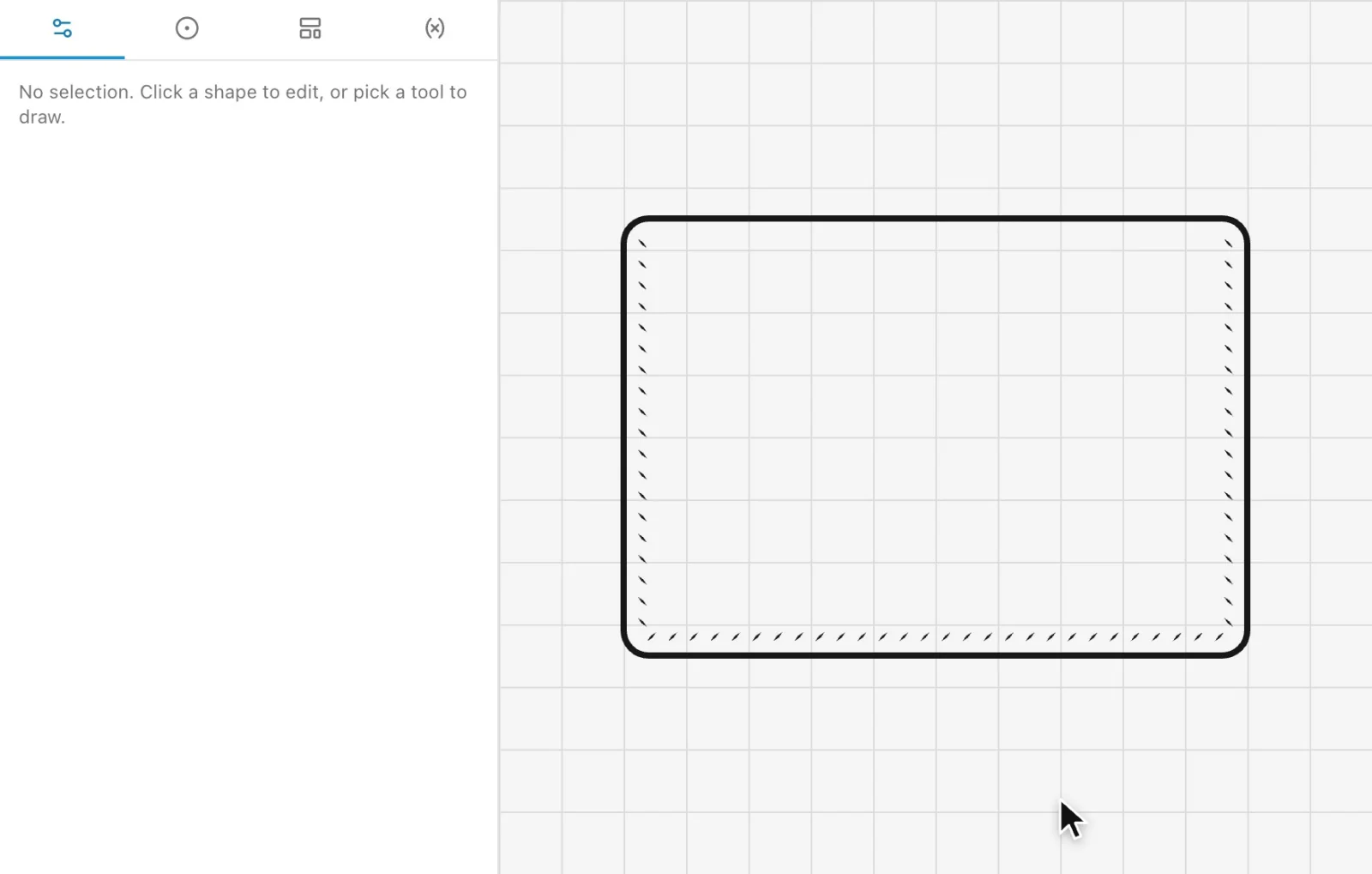 Automatic stitch holesClick the edges you sew and every hole is placed for your chisel, corner to corner, and follows when the part changes.
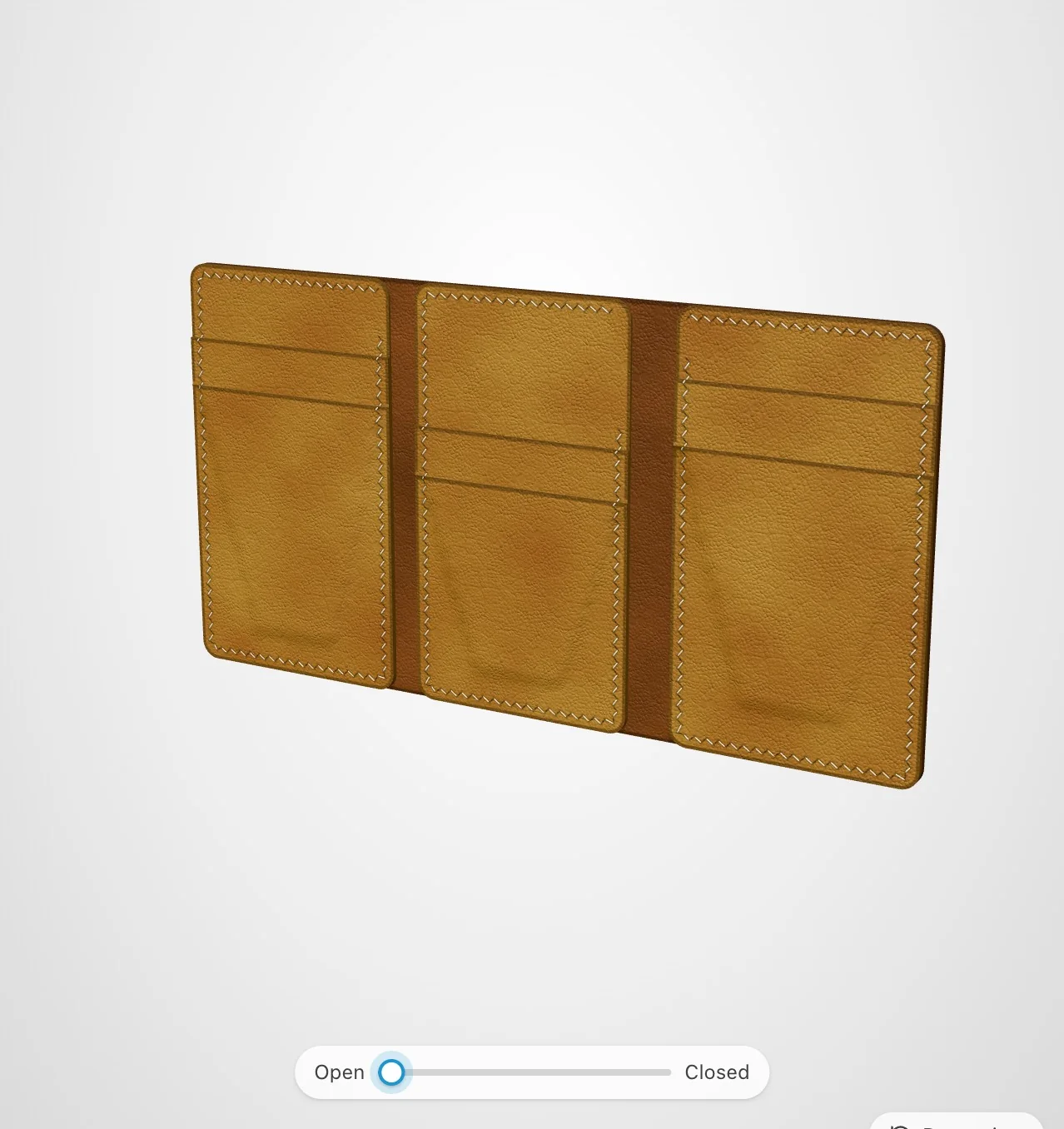 Wallet BuilderMake a card holder, bifold, long wallet or trifold pattern from a few numbers, see it in 3D and print it at full size.
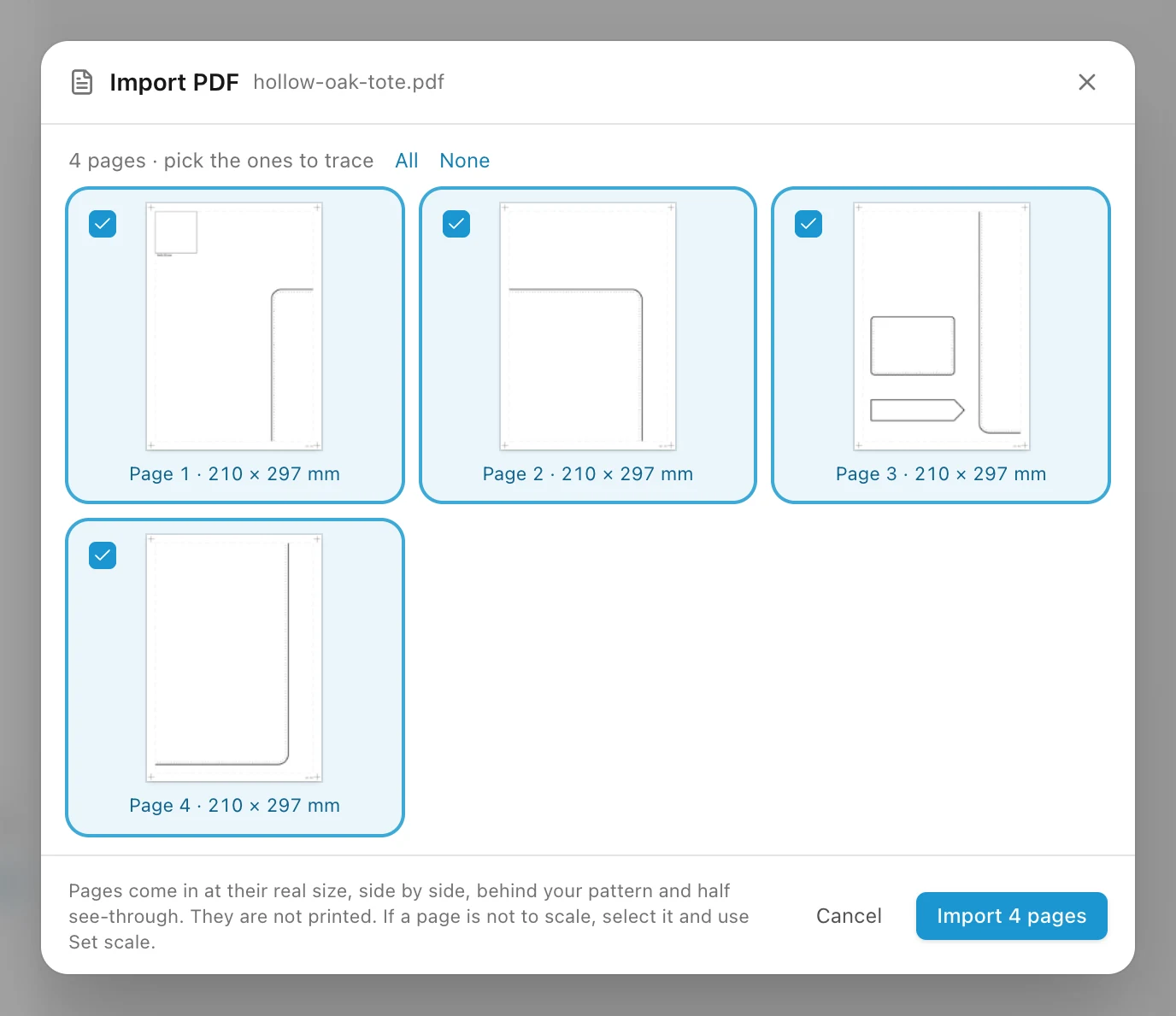 Trace a patternBring in a PDF pattern at real size, or a photo or scan, set it to true scale and trace over it.
Draw your next pattern in EasyPatt
Free, in your browser, nothing to install. Start drawing straight away; sign in only if you want your projects in the cloud.