
- Help
- Leather features
Stitch spacing and corners
A side is rarely an exact number of stitches long. The Mode of a stitch line decides what gives: the spacing, the corners, or the size of the part.
The three modes
- Walking
- Keeps your spacing exactly. Each side between two corners is laid out on its own and centred, so the leftover is shared between its two ends: the stitch round a corner comes out shorter or longer than the rest.
- Balancing
- Puts a hole on every corner and at both ends. Each side gets the spacing closest to yours that fits a whole number of stitches, so 4 mm can become 3.83 mm on one side and 4.17 mm on another.
- Fitting
- Keeps your spacing exact and a hole on every corner, by changing the size of the part to a whole number of stitches.
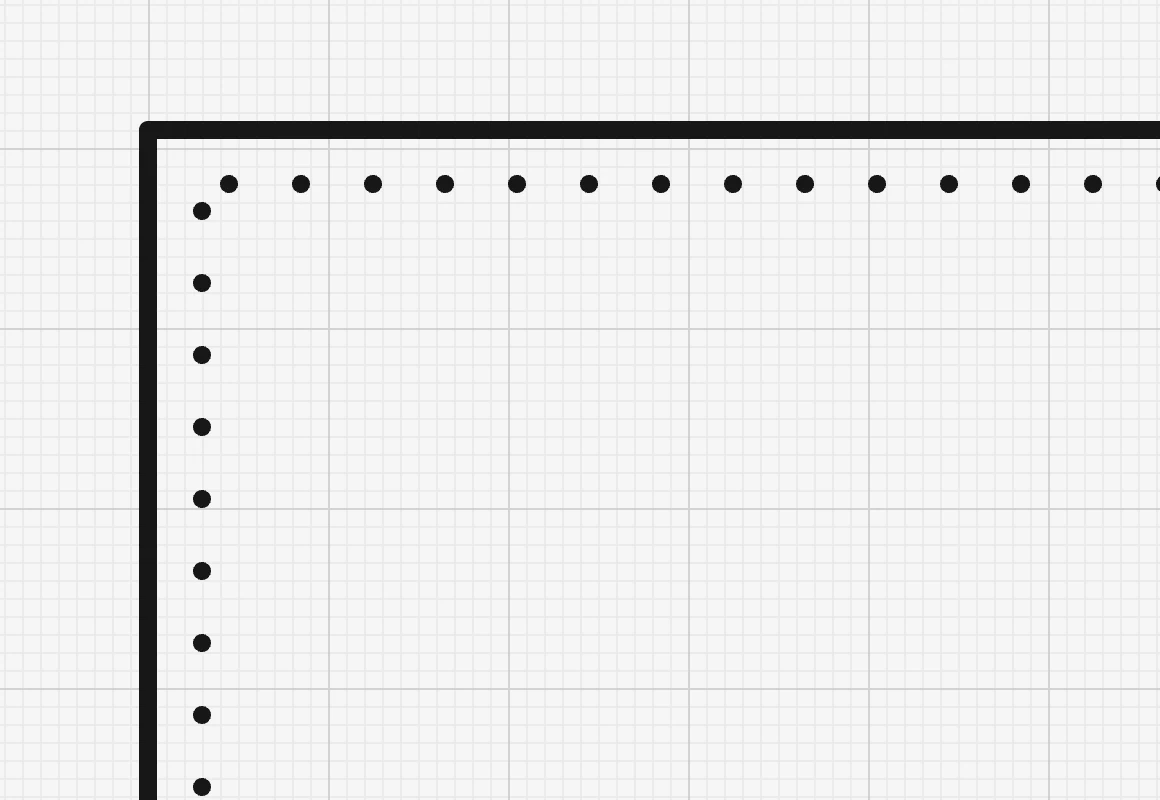
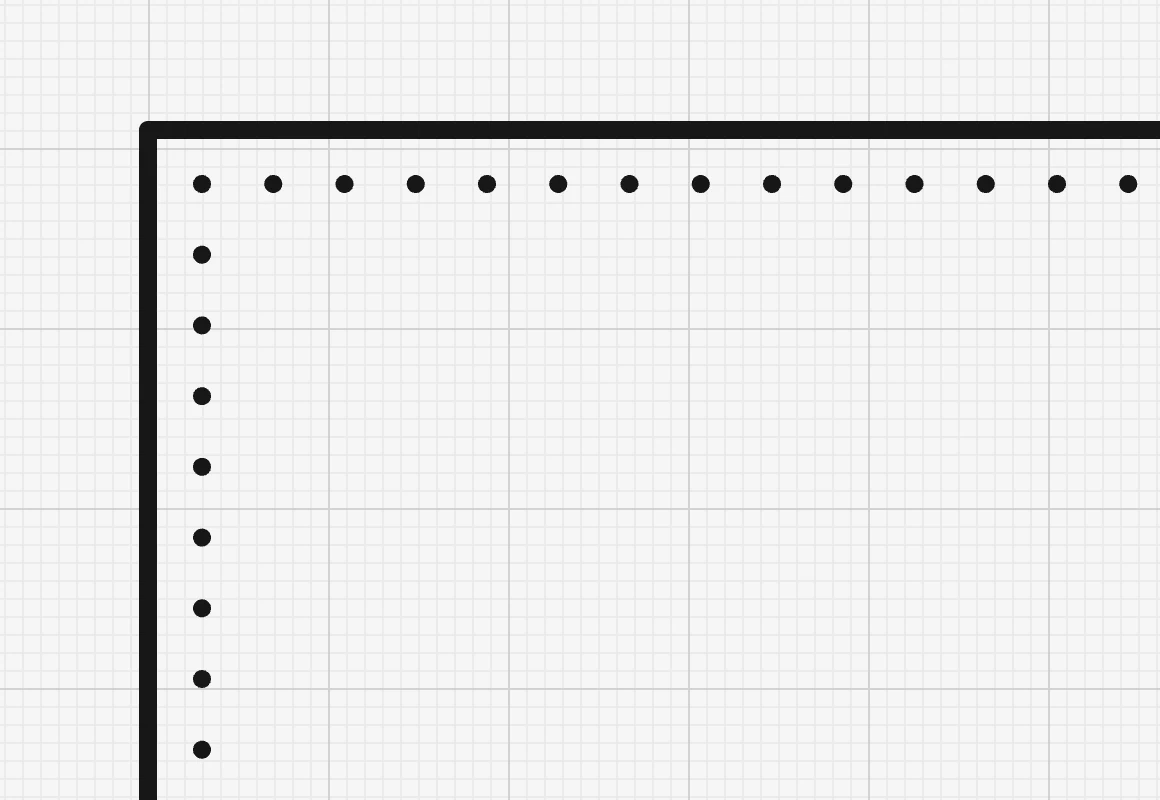
The mode is set per stitch line, and the ? next to it in the panel shows the three side by side. A new line starts in the mode you used last.
Fitting
Fitting works on one rectangle or rounded rectangle, on any of its sides, and on a straight line. It changes the width or the height (only along the sides you stitch) to the nearest size that holds a whole number of stitches, keeping the centre where it was.
- Change the spacing or the insets and the part is fitted again straight away.
- Drag a side of the part, or type its size, and it snaps from one fitting size to the next.
- Bend a side and the stitch line switches to Balancing, as a curved side cannot be fitted.
Fitting is not offered for triangles, polygons, outlines drawn point by point, circles, rows over several parts, or free stitch lines.
Curves and rounded corners
- On a curve the spacing is measured along the curve.
- A rounded corner wider than the edge inset is not a corner: the holes run round it smoothly.
- A circle, or a rectangle with every corner rounded, gets its holes spread evenly all the way round, in Walking and in Balancing alike.
Where a row ends
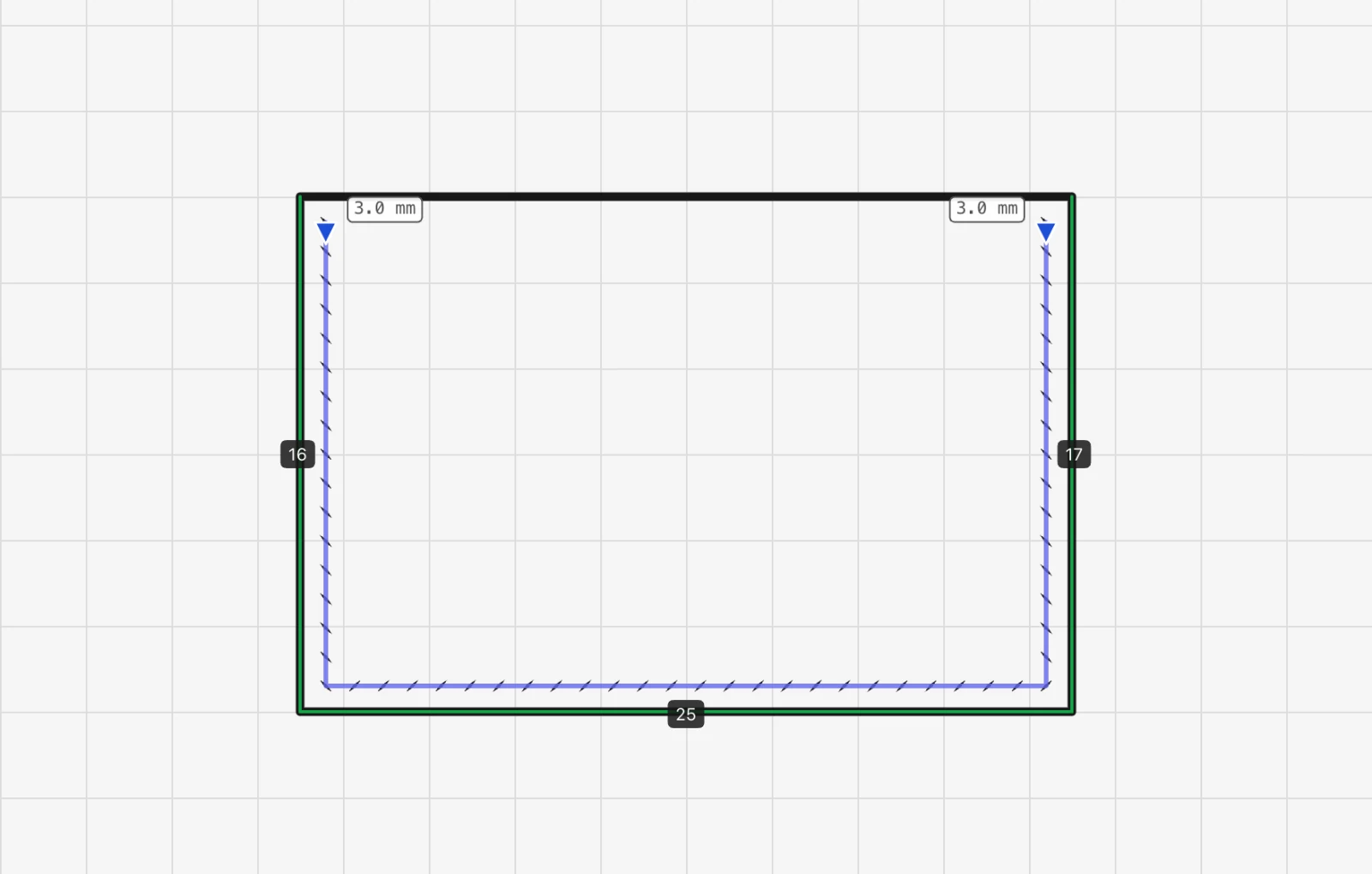
A row that stops beside a side you are not sewing, such as the open top of a pocket, ends 3 mm from that side unless you set Inset at start (mm) and Inset at end (mm). While the panel is open, a label at each end shows the real distance.
- In Balancing and Fitting the end hole sits exactly at that distance. In Walking it is the least distance: the holes keep their spacing and may end a little further in.
- When both ends stop beside the same side, as on three sides of a pocket, a chain link joins the two fields so the pocket stays even.
- At the free end of a line, the field says how far along from the end the row starts.
Something missing or unclear? Write to support@easypatt.com and it gets fixed.