
- Help
- Tracing and templates
Tracing a pattern or a photo
Have a pattern as a PDF, a scan or a photo? Bring it in under your drawing and trace over it. Images can also be printed, such as a logo on the pattern.
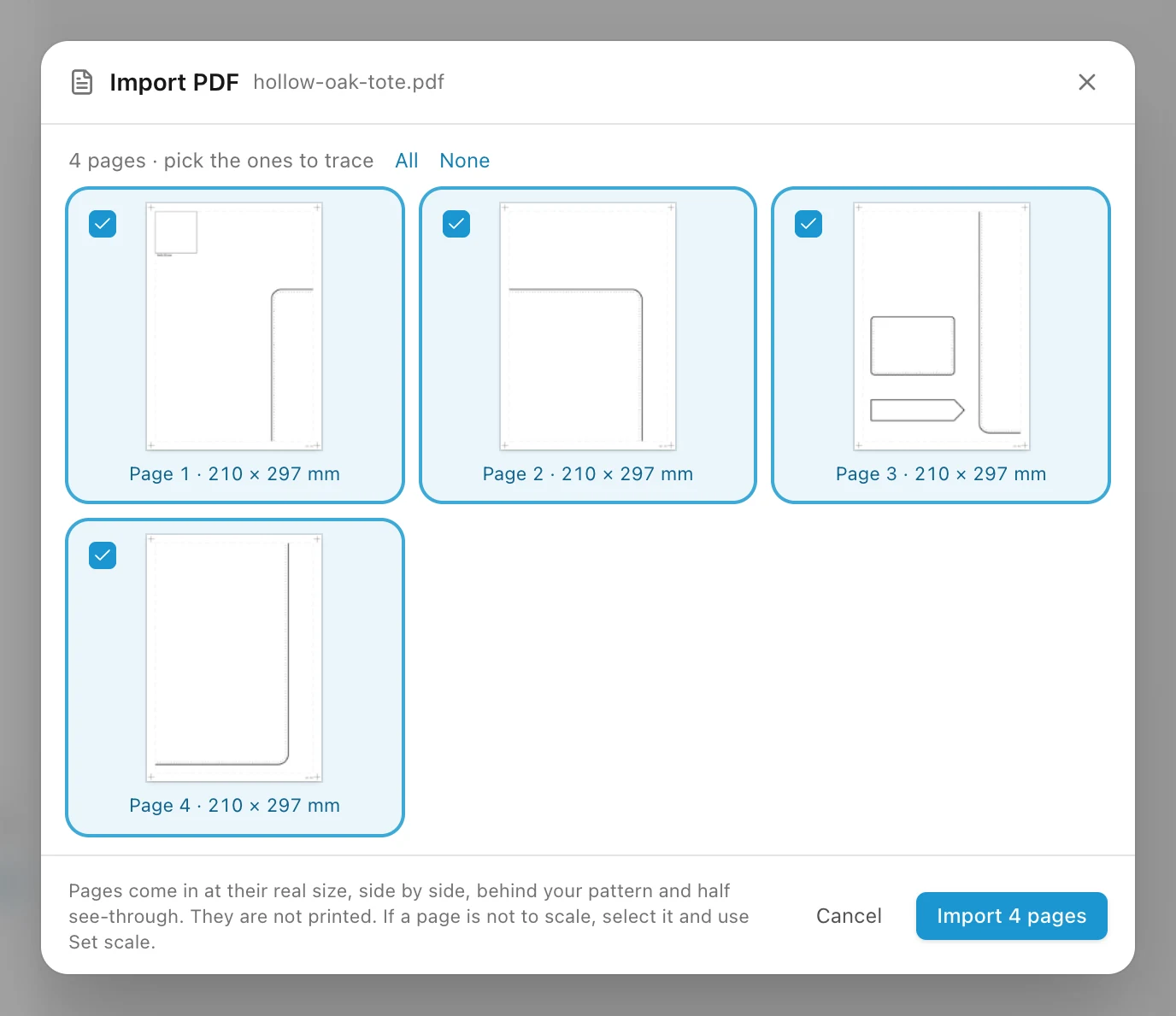
Import a PDF
- Sign in, then pick Image or PDF (I) and click Upload image or PDF. Or drop the PDF onto the canvas.
- Tick the pages you want and click Import.
Each page comes in at its real size, side by side, behind your drawing and half see-through. Pages are not printed with your pattern. A PDF can have up to 100 pages and 50 MB.
Photos and other images
- Click Upload image or PDF, drop a picture onto the canvas, or paste a screenshot with ⌘V.
- PNG, JPEG and WebP work, up to 10 MB.
- Everything you upload stays in your gallery under the Image tool, ready for any project: click it to place it again, or drag it onto the canvas.
With an image selected, the panel has:
- Opacity
- How see-through it is.
- Flip horizontal and Flip vertical
- Mirror the picture.
- Include in PDF
- Prints the image with the pattern. On for pictures you upload, off for PDF pages.
- Set scale
- Sizes the image from a measurement you know. See below.
Bring an image to its true size
A photo, a scan or a PDF not saved at 100 % comes in at the wrong size. Fix it with something on it whose length you know, such as a ruler or the test square of a printed pattern:
- Select the image and click Set scale.
- Draw a line along the ruler or the square, from one mark to the other.
- Type how long it is in reality and click Scale image. The image is resized to match.
For a photo, lay the leather or the old pattern flat and shoot straight from above, with a ruler beside it.
Trace over it
- Draw over the image with the usual tools. A multipoint line follows a traced outline well.
- Images go on the bottom layer. Lock that layer so a click on the image does not move it while you draw.
- Turn the opacity down to see your lines better.
Uploading images and PDFs needs an account, as they are kept for you online.
Something missing or unclear? Write to support@easypatt.com and it gets fixed.